Rundown and event timer for live productions
The rundown your whole production runs on
Plan the show and keep every department on the same time.
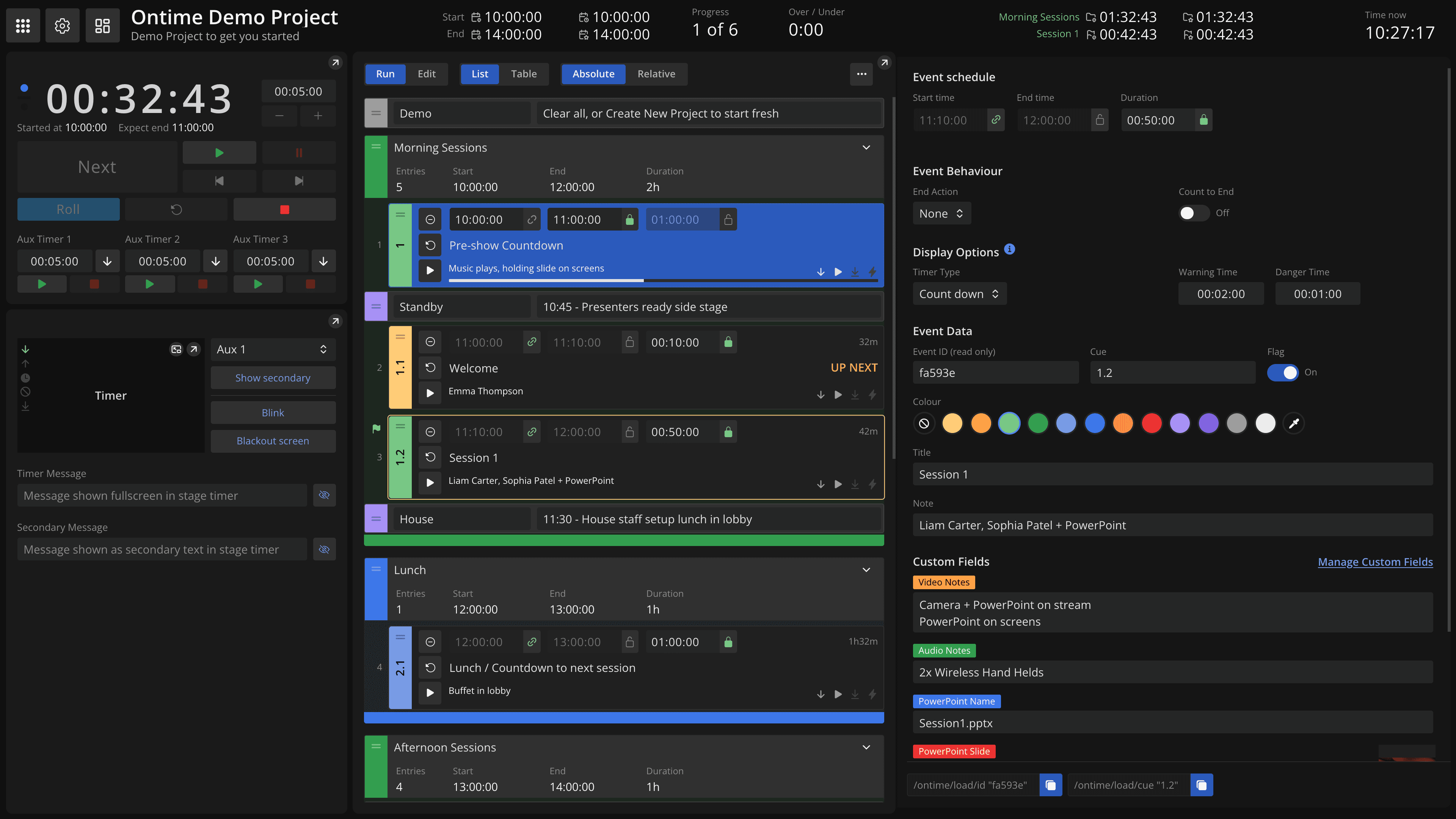
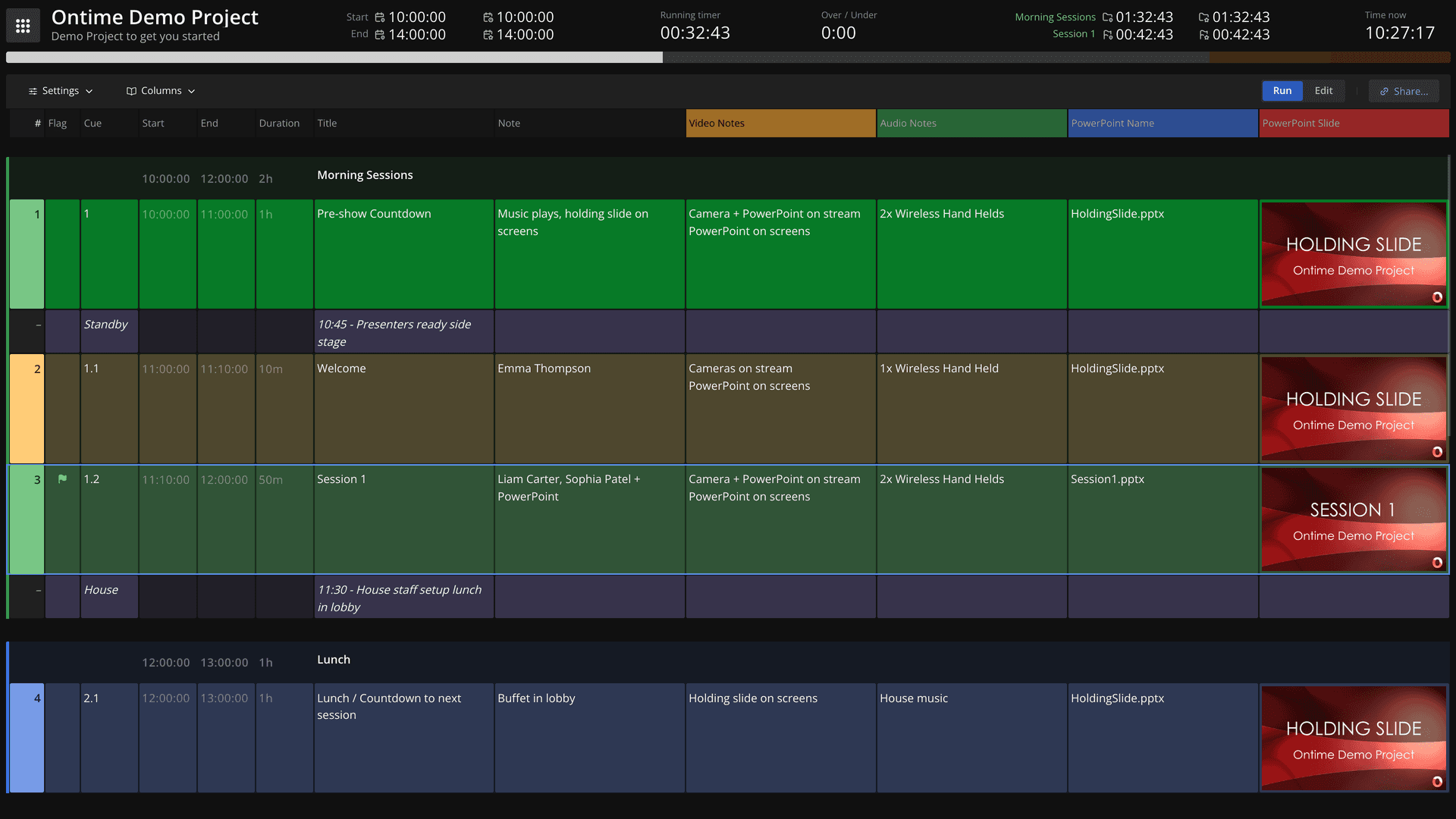
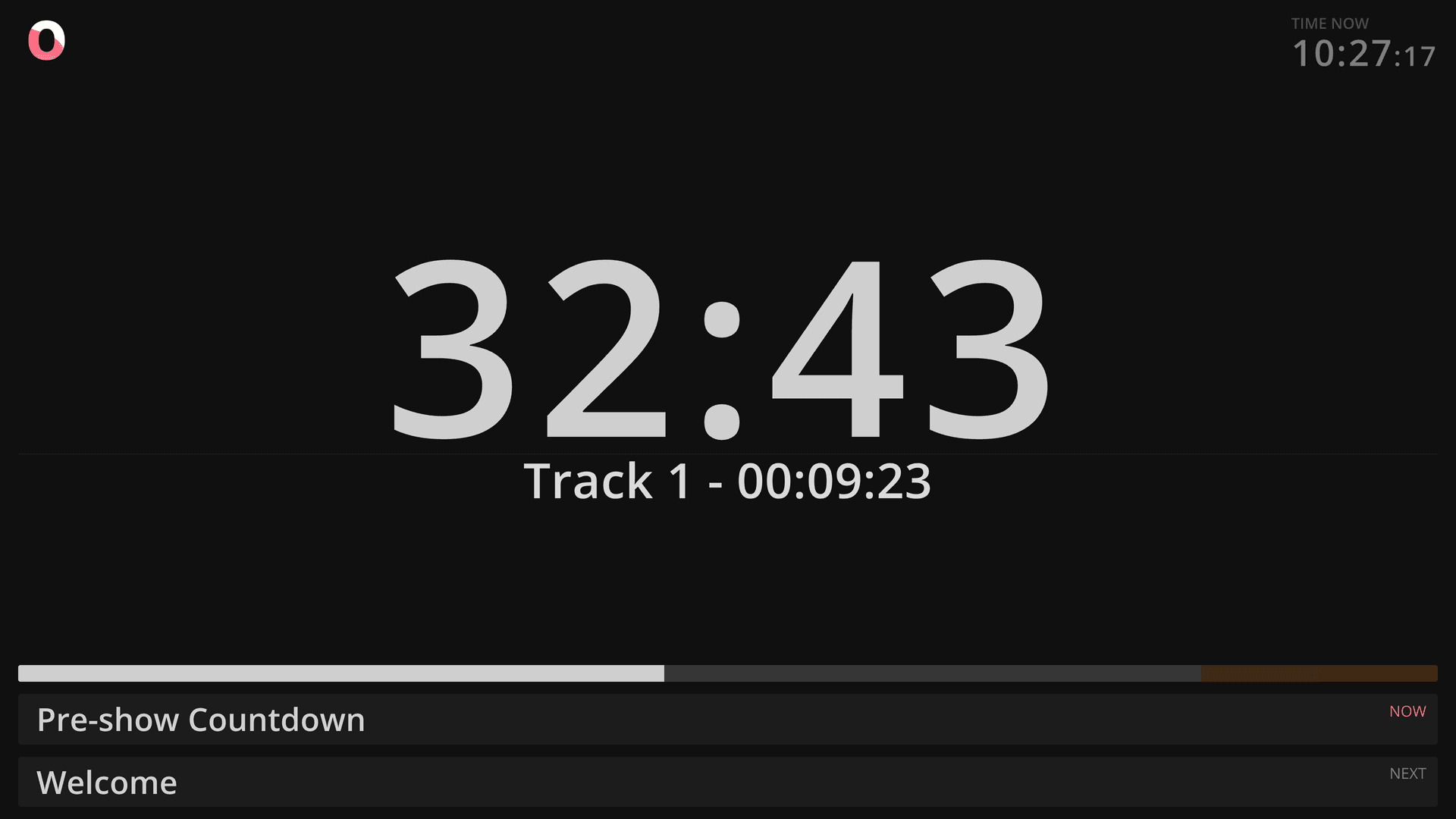
Who Ontime is for
Who it's for
- Show callers
Run the show from the same rundown everyone else is reading.
- Stage managers
One cue sheet for backstage, talent, and FOH.
- Producers
Build and revise the run of show before doors.
- Broadcast teams
Running order, studio clock, and integrations into show control.
Running shows worldwide
Ontime worked easily out-of-the-box and grew with us as we built deep integrations within our studio.
Most importantly, our team (including the talent) love how easy it is to use.
Tommy WestCreative directorFirst I used Ontime only for stage timers, but it quickly became the organizational heartbeat for many shows - big and small.
Alexander HeberVideo engineerThroughout the festival season, Ontime has proven itself to be an indispensable tool for show timing.
It has transformed the way that we manage festival production reducing stage management workload, ensuring everyone is on the same page both on and off stage.
Terry SharpSound engineerOntime is a great example of how event production software can be both intuitive and incredibly versatile. Its API-first approach makes it easy to scale and adapt to virtually any workflow, production need or even the unique requirements of a specific gig.
Andrew KokhanNightCat Studios
Plan the rundown
Start from the spreadsheet you already have.
Import your schedule from Excel or Google Sheets, then get what a spreadsheet can't do: live timing, per-department access, and delays that propagate through the rundown automatically.
Build the show before the show
Ontime is where the run of show takes shape, not just where it gets timed.- Groups for acts and panels. Milestones for standbys and operator notes.
- Catch overruns earlyDurations roll up through groups and the full rundown, so you find the 20 minutes in planning, not at 19:40.
- Custom fields and a cuesheet link per team. One document, not three spreadsheets.
- Change it without rebuilding itClone and reorder entries. Keep several rundowns in one project.
Keep productions in sync
Multiple surfaces, one source of truth. Keep operators and display endpoints synchronized with consistent event data.
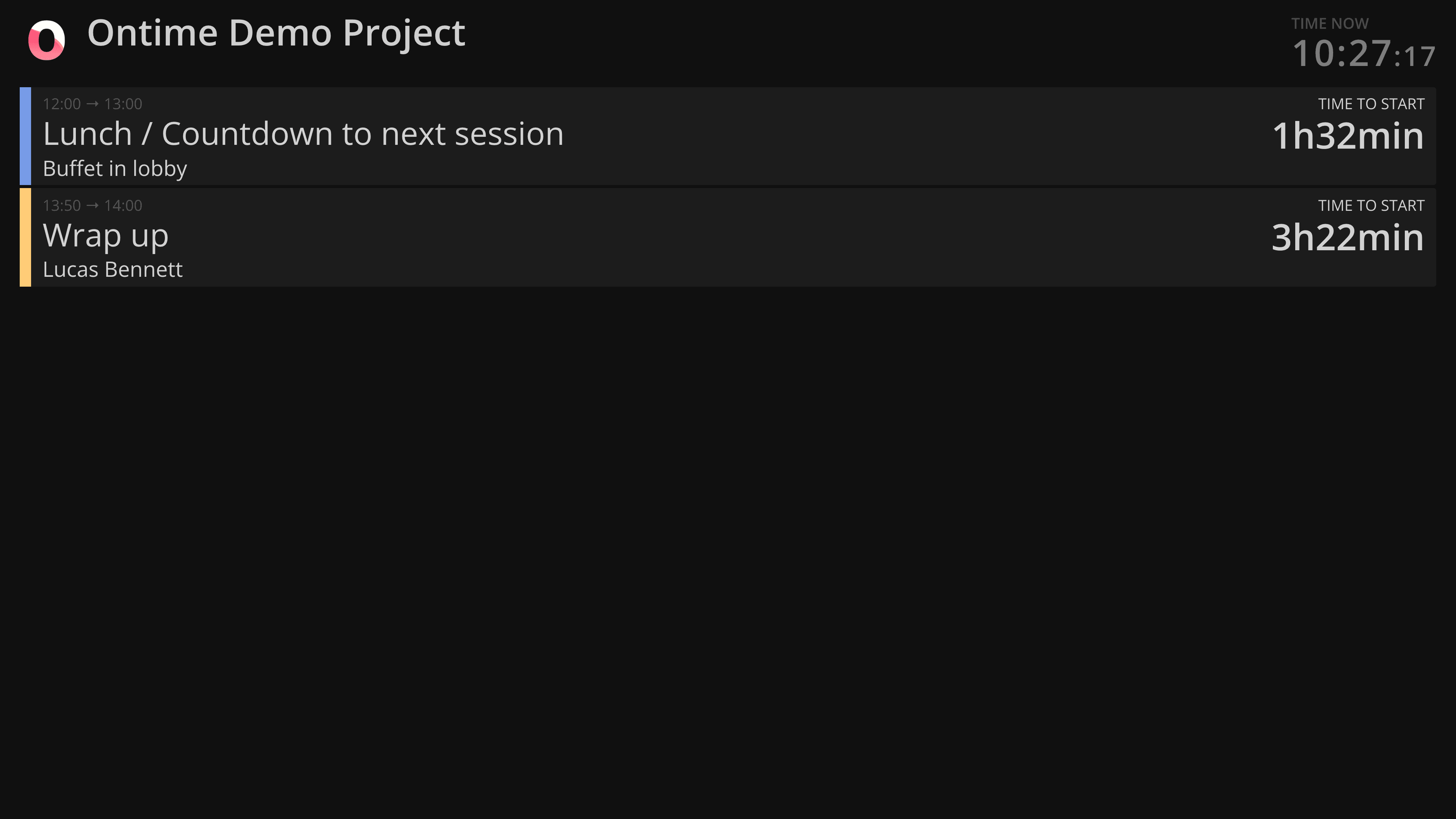
Built for live production
Plan and run your show with a clear schedule, real-time timing, and shared event data across departments.
Ontime helps teams stay aligned while planning, rehearsing, and running live events.
Run locally, self-host, or use Ontime Cloud
Use Ontime on Windows, macOS, Linux, Docker, or a managed cloud stage. Projects stay portable, so you can choose the setup that matches the show.
See setup optionsShare the right view with every team
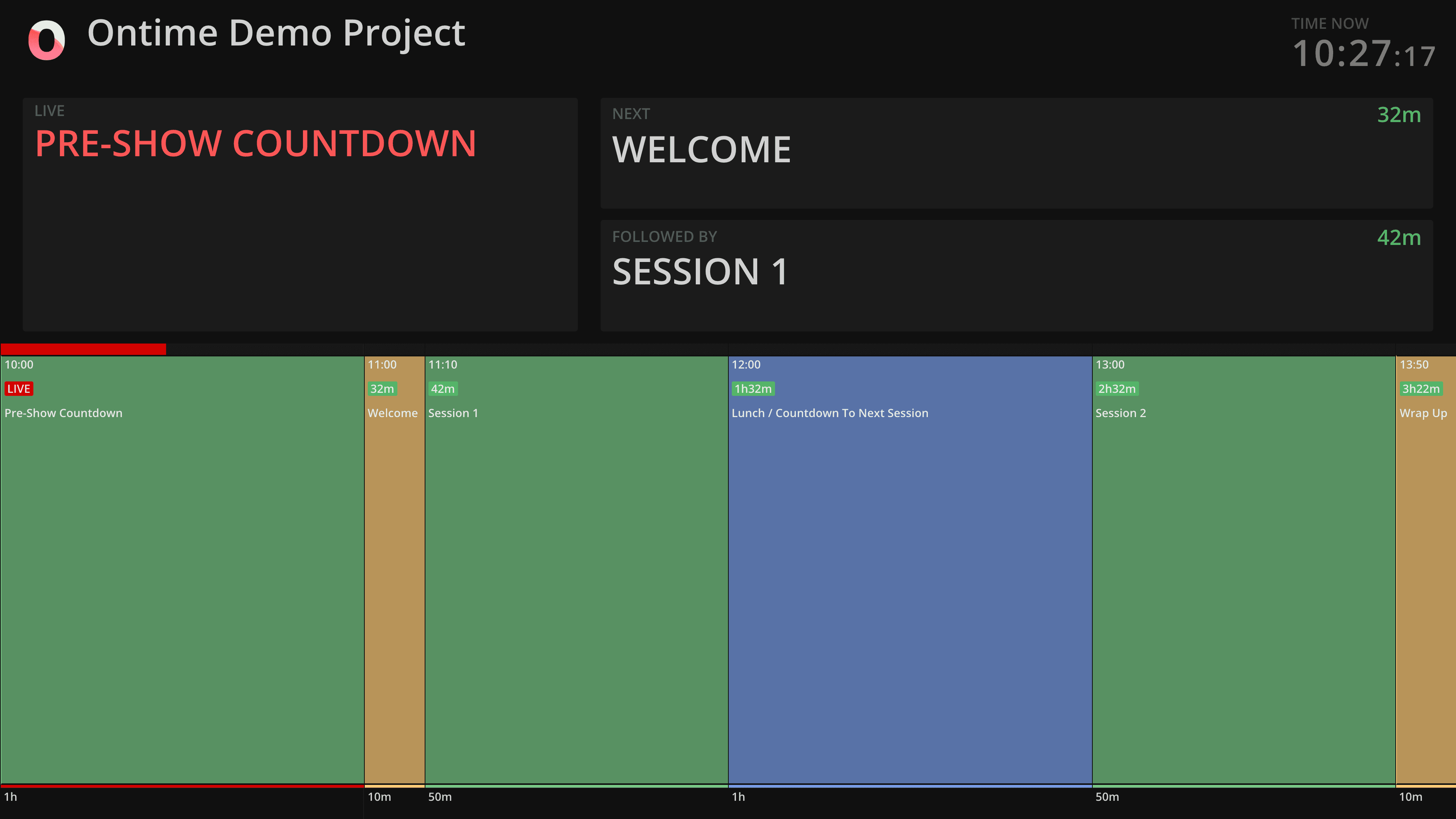
Send timers, backstage schedules, public signage, and operator views to any browser. Save URL presets for fixed screens and redirect connected clients remotely.
Manage remote clientsKeep delays visible during the show
Track runtime changes against the schedule and communicate the impact to production teams in real time, without rebuilding the rundown mid-show.
Understand delaysIntegrate with production systems
Use OSC, HTTP, WebSocket APIs, and the Companion module to connect Ontime with show-control surfaces, media servers, graphics, and operator workflows. Companion and the HTTP/WebSocket API work with Ontime Cloud too.
Browse integrationsAutomate cues and agent workflows
Trigger internal actions or outbound HTTP/OSC messages as cues change. Ontime also ships an MCP server for creating, editing, and auditing rundowns.
Explore automationsMultiple rundowns, one project
Run multitrack shows, edit one rundown while another is live, and upload your own custom views built on the same live data.
Create custom viewsCommunicate data
Give every role the information it needs.
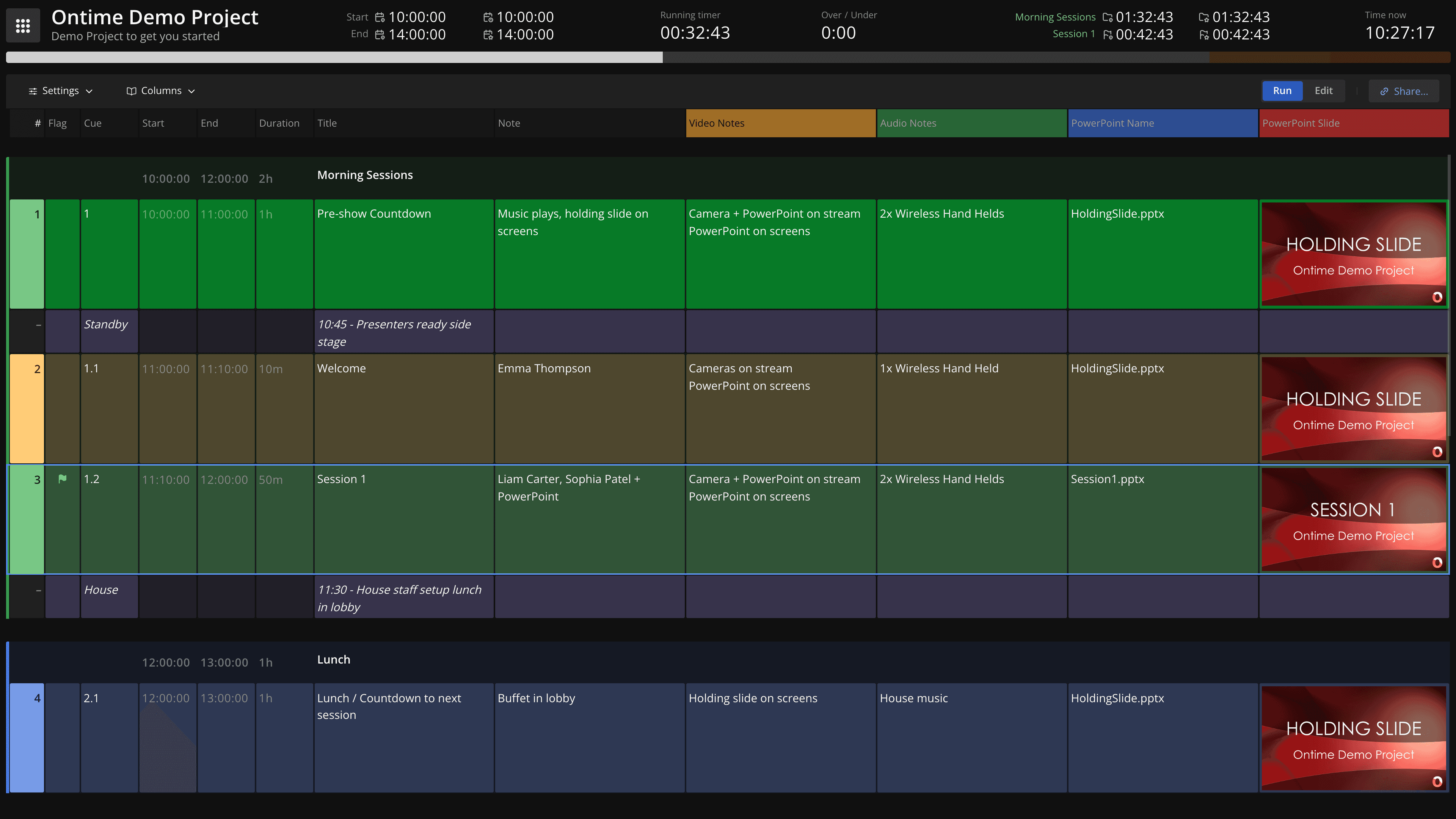
Make the rundown the source of truth.
Bring every department into the same planGranular read and write access lets people contribute safely.
Share a cuesheet link so each department or client can manage its own notes and custom fields in the shared rundown.
Your collaborators only see and write the data that they need.
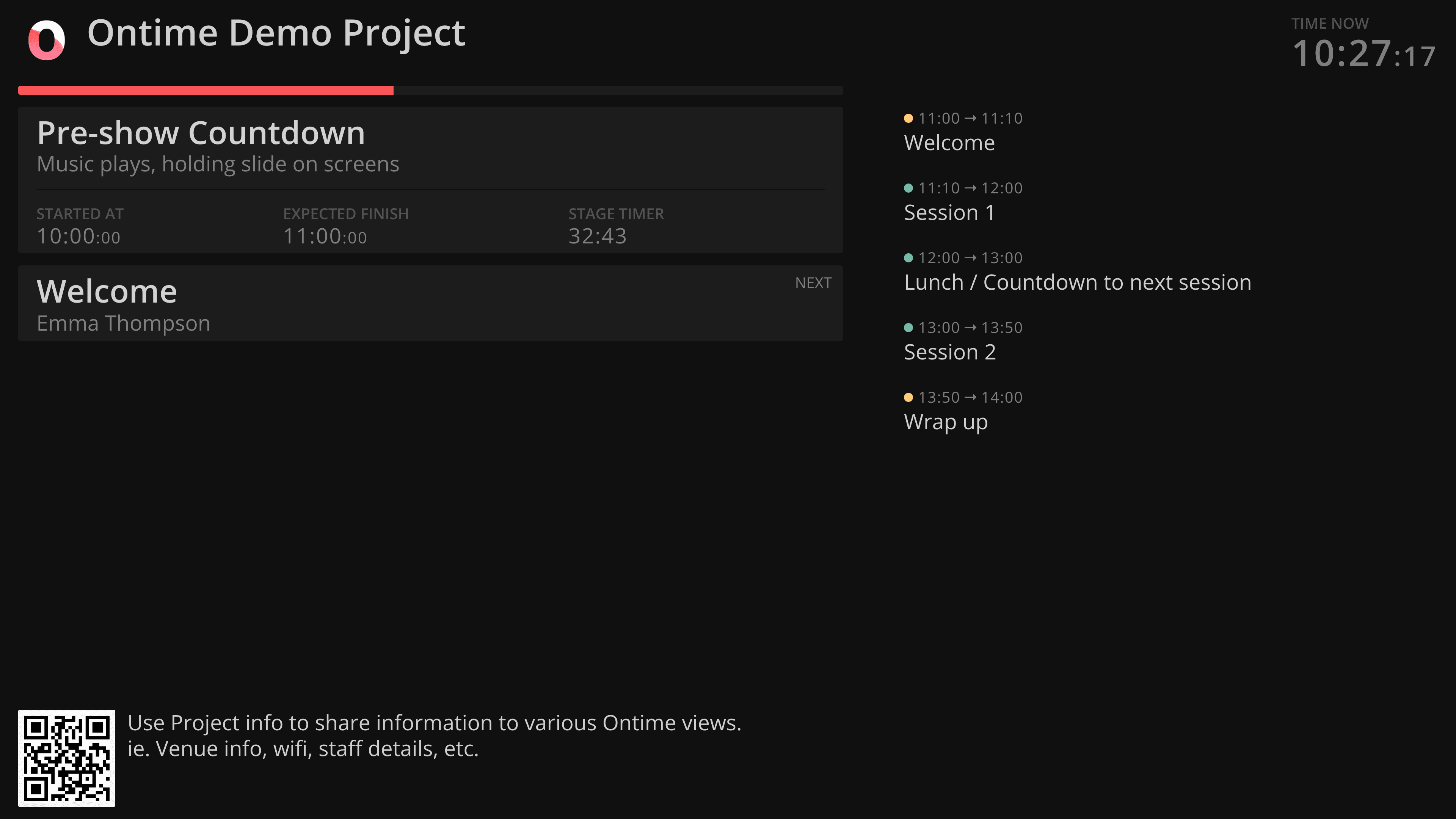
Share the right view with every audience.
Start with purpose-built views or create your ownUse built-in views for public signage, backstage displays, and team screens, or build your own from the same live rundown data.
Give each audience the information it needs without maintaining separate copies of the schedule.
Run the production
Keep everyone on the same time.
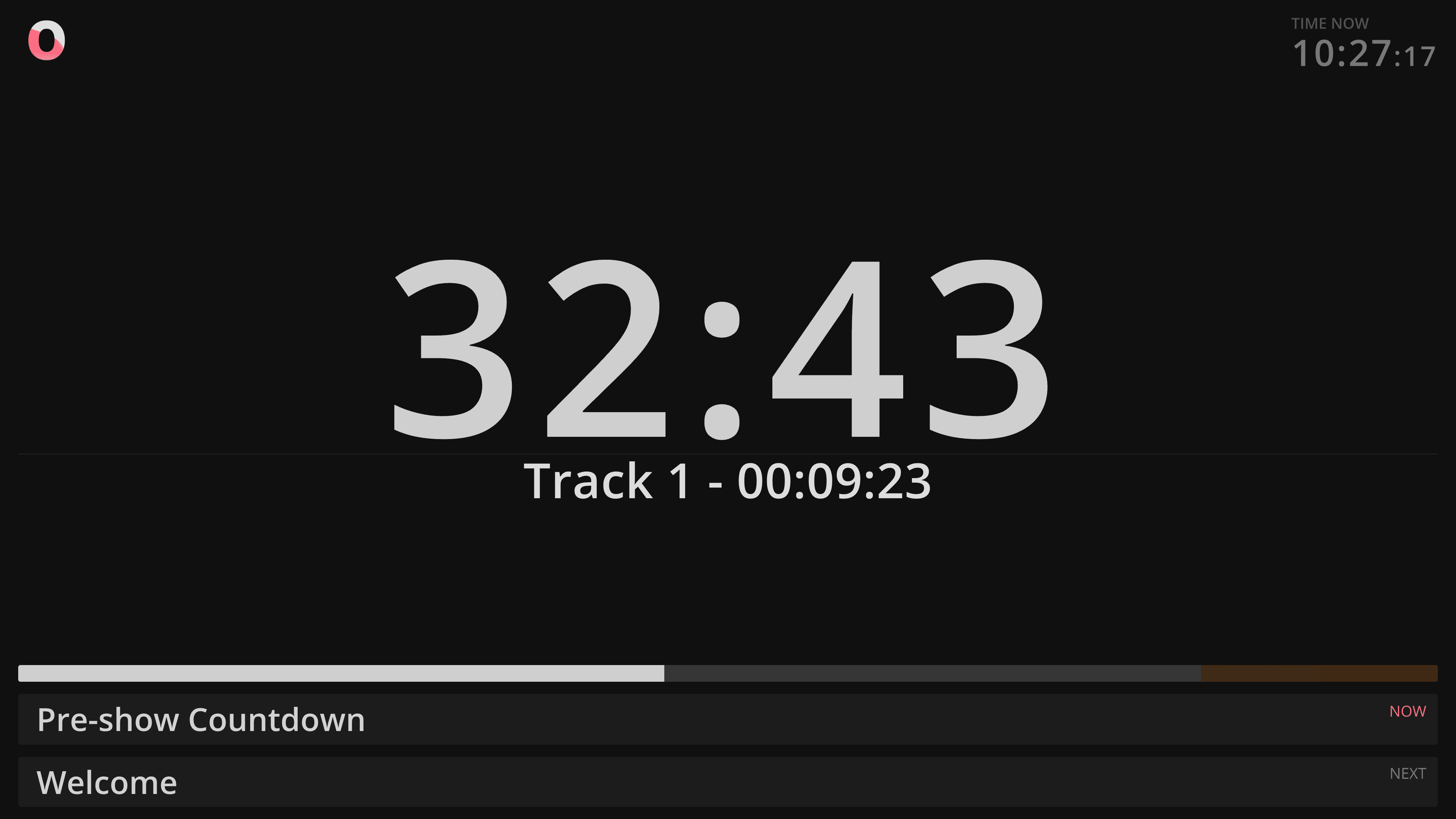
Run the show from one shared rundown.
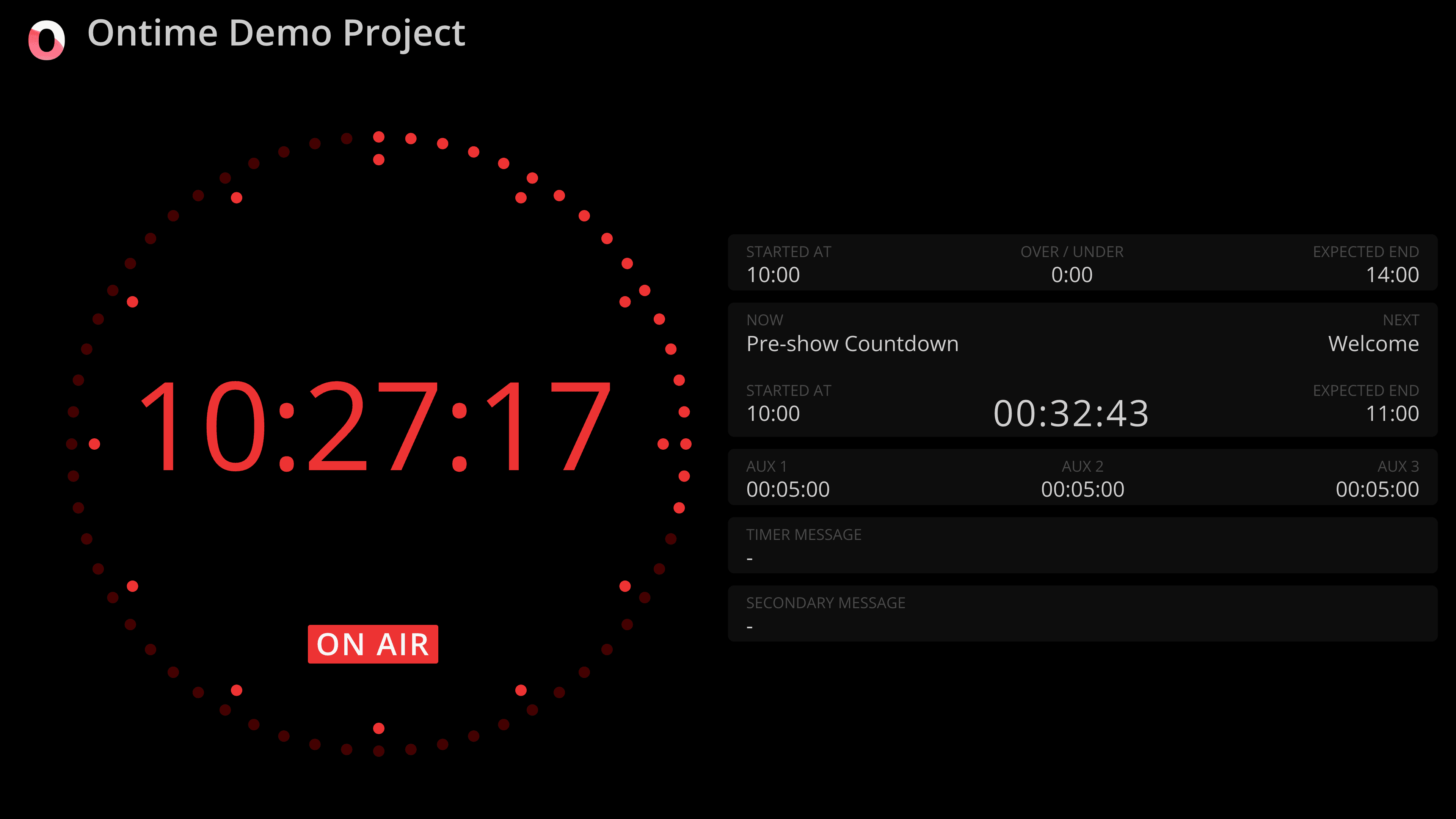
Keep presenters, artists, team members, and stage managers in syncThe rundown is the single source of truth. Stage timers, backstage displays, signage, and operator views are all generated from it, so one change updates every screen at once.
Choose from ready-made timer layouts and save the display settings as a preset for every screen that needs them.
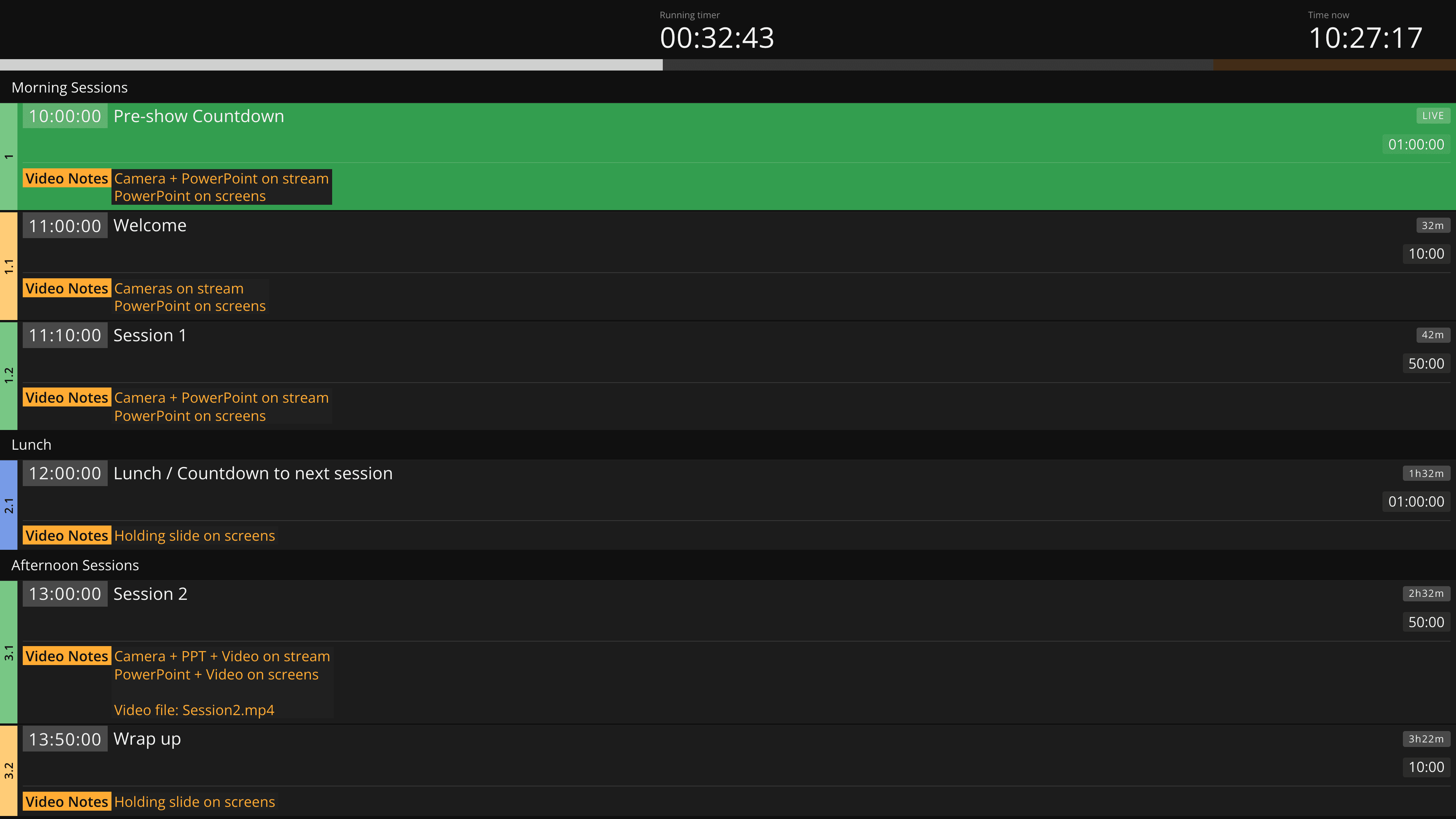
Keep the production aligned when the rundown moves.
Make live updates and delays visible to everyone who needs to reactEvery rundown change propagates in real time, and the operator view follows the current event without manual updates.
Ontime's delay management makes deviations from plan visible to the people affected, so the production can respond together.
Ontime Cloud
Run Ontime online with zero setup
Why choose Ontime Cloud
Ontime Cloud is the fastest way to run Ontime online.
The same Ontime as usual, but conveniently hosted.
- Start in minutesNo setup or maintenance
- Always reachableStable URL with HTTPS
- Share with your teamNo seat limits
- Ready between showsYour stages are already there when you come back
Support free, open source software
Ontime remains fully open-source and self-hostable.
Cloud subscriptions help fund continued development.
Project files move between Cloud and local installs. Your data is yours.
Ontime Cloud PRO
$20 / month
- 3 simultaneous stages
- Stable public links
- Unlimited team members
- Email support
Ontime Cloud STUDIO
$80 / month
Everything in PRO, plus:
- 10 simultaneous stages
- Project checkpoints and archive
- Direct support
Ontime
Free / self hosted
- Fully featured
- Self-managed hosting
- Docs + community support